
Click the ShopStream Connect™ Logo to download the software.
Download Installation Instructions and USB Cable (Scantool to PC) requirements.
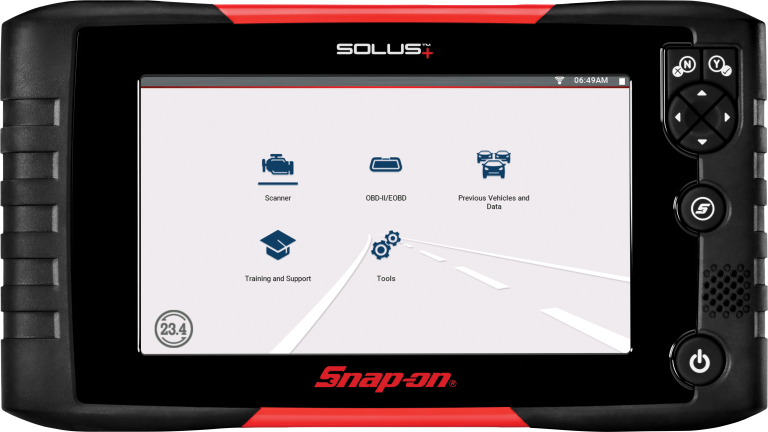
ShopStream Connect™ is PC-based software that extends the capabilities of Snap-on hand held diagnostic tools. Technicians can use ShopStream Connect to transfer, save, manage, review, annotate, e-mail and print files that were saved or recorded on their Snap-on MODIS™, SOLUS™, SOLUS PRO™, ETHOS™ or Vantage PRO.
Using MODIS, SOLUS and SOLUS PRO with Software Bundle 7.2 or higher, record up to 2,000 frame scanner movies or 230 frame movies on ETHOS, and open the saved files with ShopStream Connect. The software allows you to customize your view of this vital diagnostic information, including the ability to display up to 16 graphs onscreen at once and drag and drop parameters from the list to customize the display order.
For MODIS and Vantage PRO lab and ignition scope recordings, technicians have the ability to auto play, step through frames and pages, zoom and use cursors to help analyze their waveforms. They also have the option to display the grid and scales, inverse the colors for printing and move each channel's vertical placement.
Want to share your diagnostic readings with other ShopStream Connect users? It's easy, simply e-mail your files right from the application or post your files to discussion groups. Others can open your files, provide opinions, and help diagnose the problem vehicle.
With ShopStream Connect, you can also create custom printouts of scan data to share with vehicle owners, or save it with the vehicle's history.